To add your bank account to your Payactiv account, follow these steps:
STEP 1.
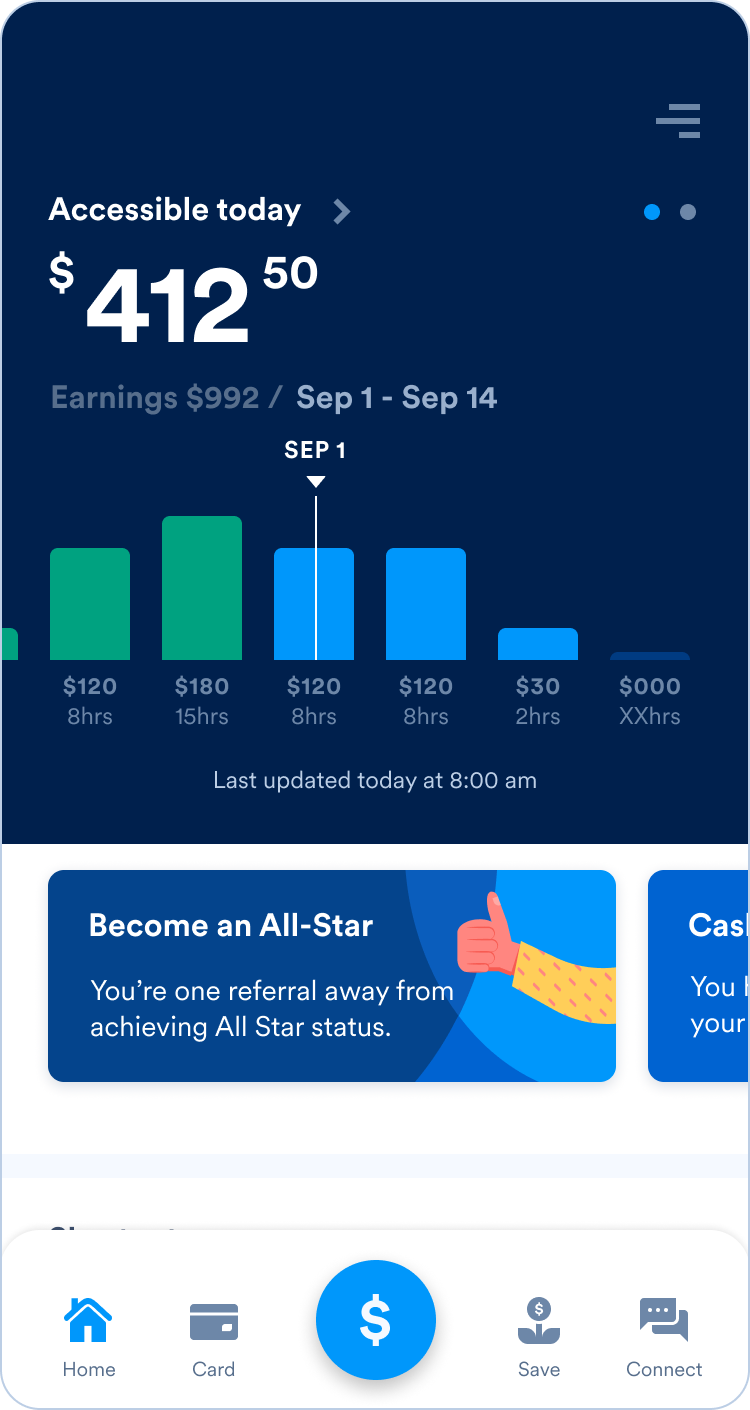
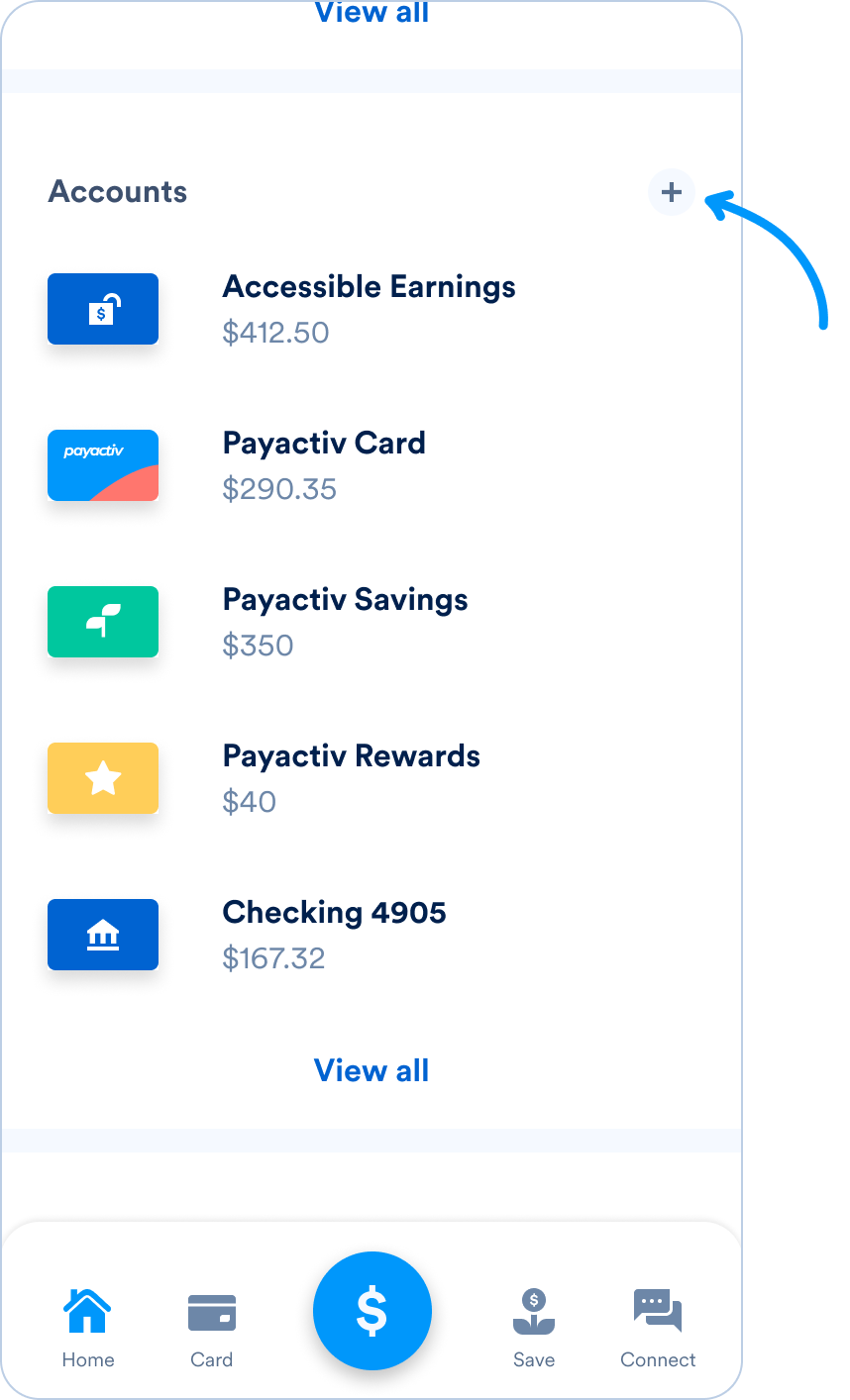
Open the Payactiv app and scroll down to the “Accounts” section on the home screen.
STEP 2.
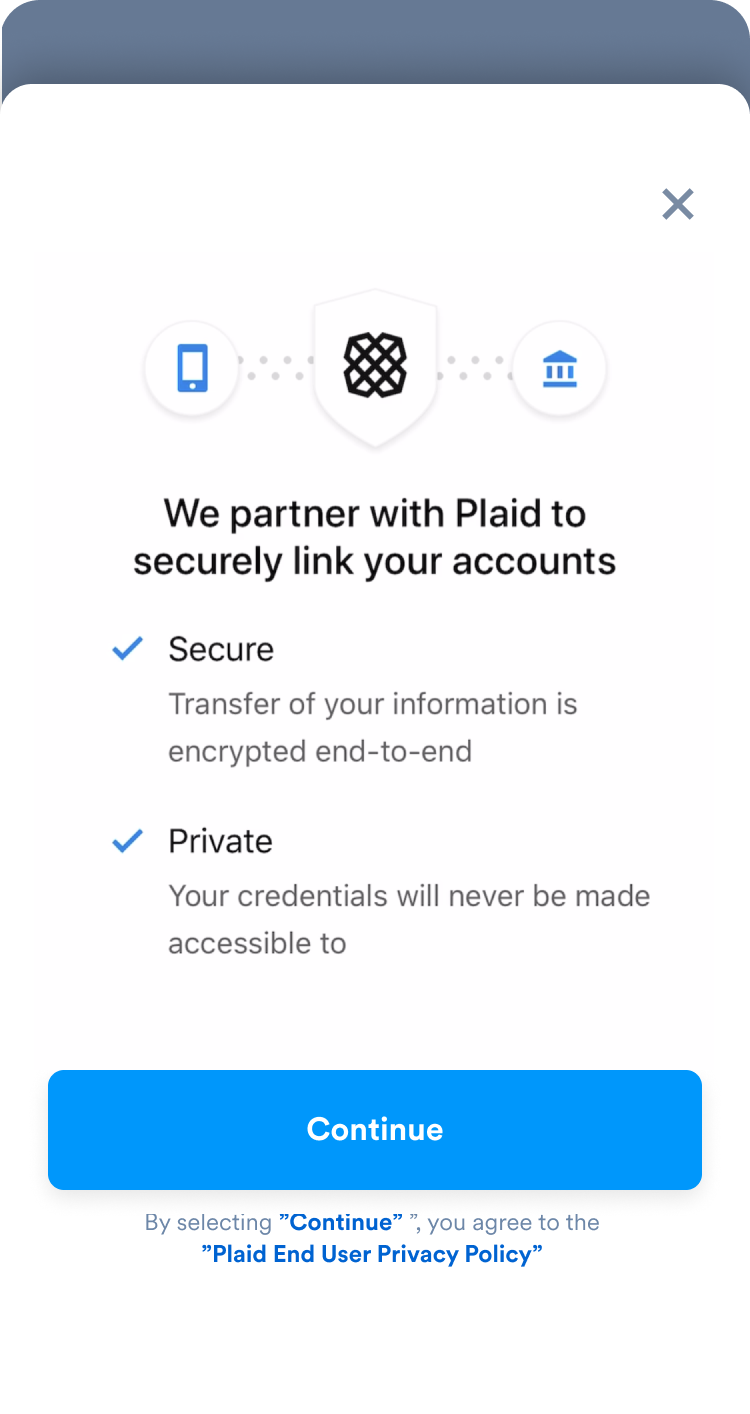
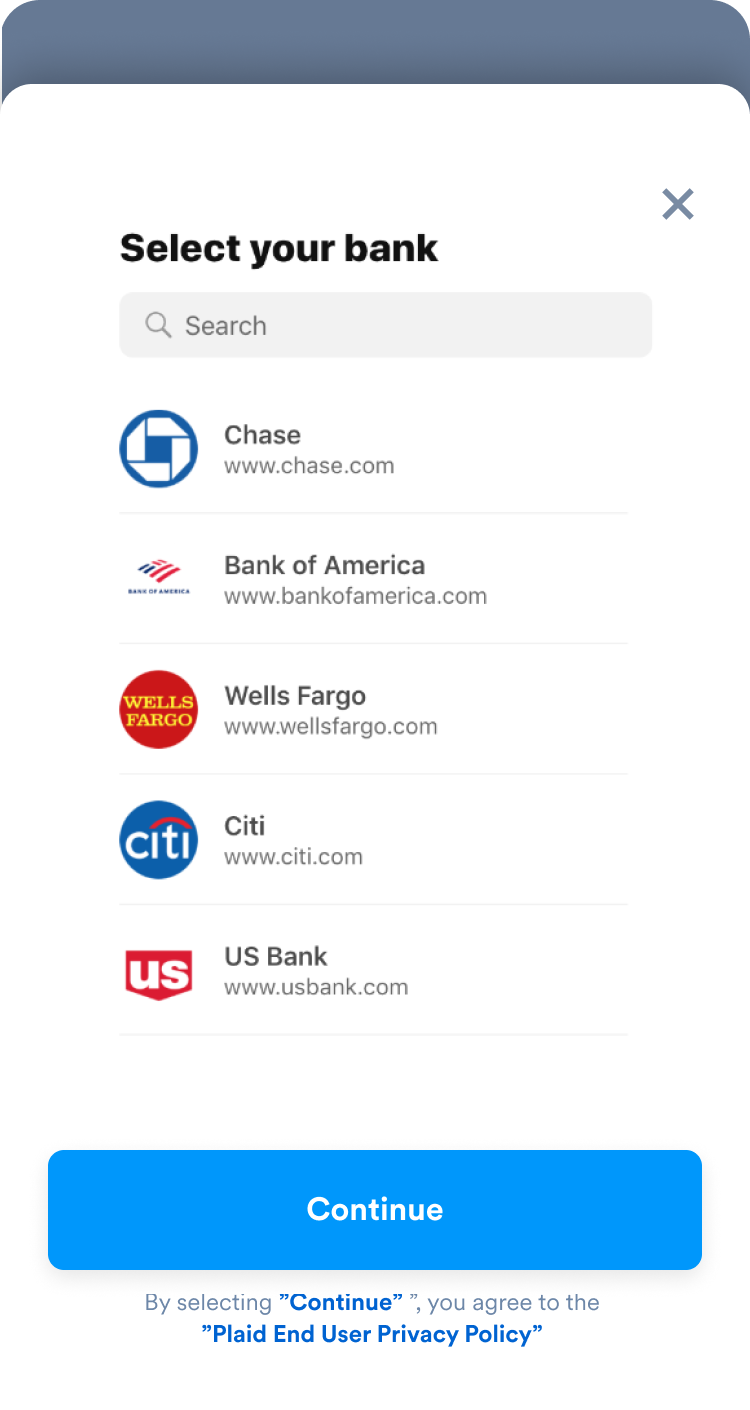
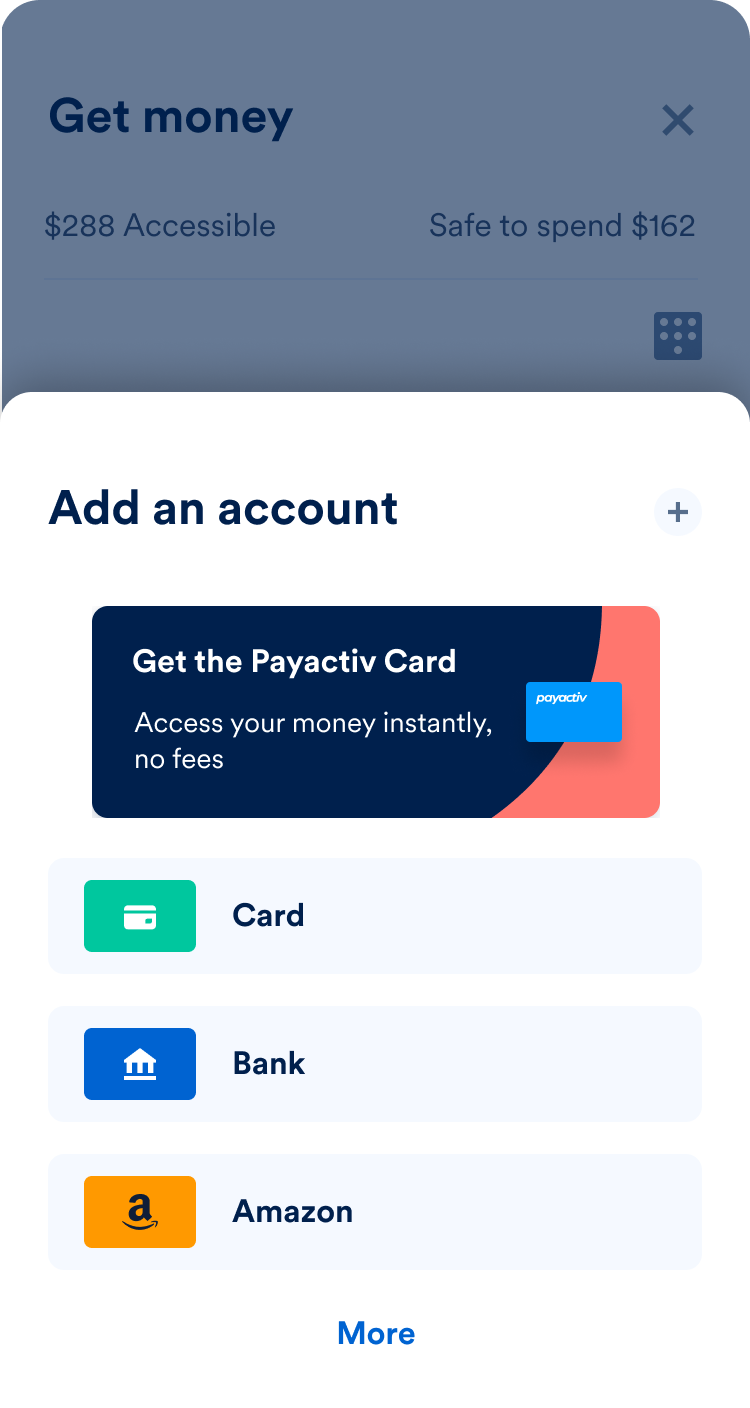
Tap the “+” button on the right side of the screen, then select your bank from the list.
STEP 3.
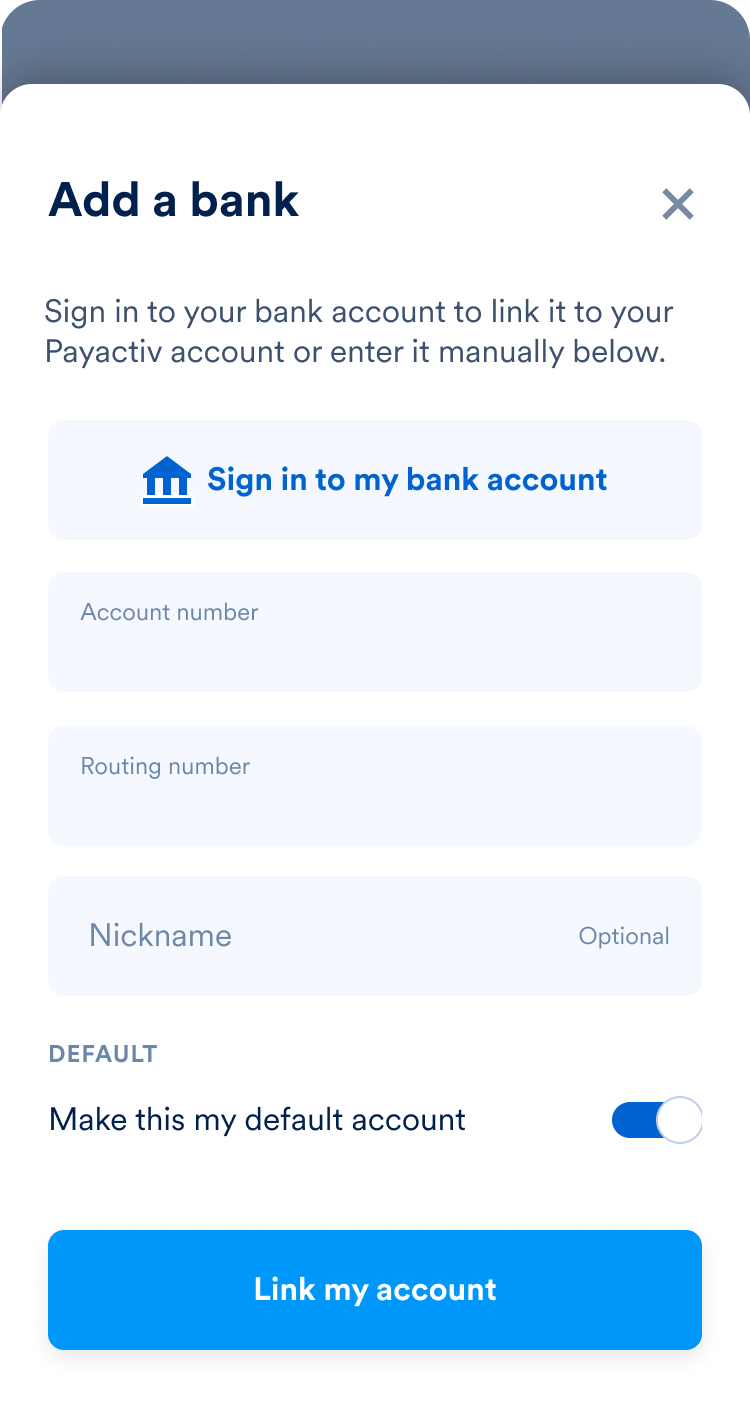
Enter your bank information to add your account.
If your bank is not on the list, you can manually enter your account and routing numbers by tapping the “x” in the corner of the screen and selecting “Enter Manually”.
STEP 4.
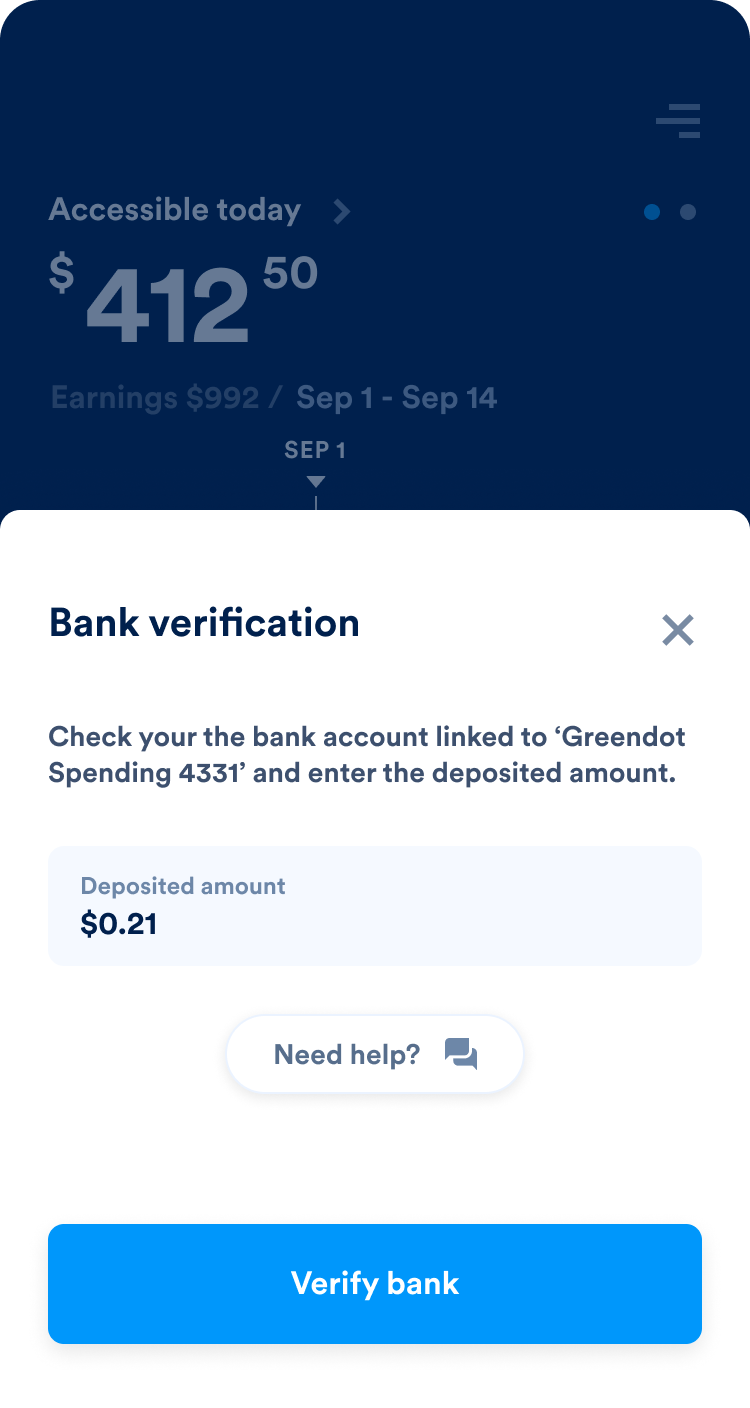
Payactiv will send two small deposits to your bank account within 24 hours to verify that the account belongs to you. Once you see these deposits in your account, open the “Accounts” page of your Payactiv app and enter the amounts.
After you have entered the deposit amounts, Payactiv will verify your account and add it to your Payactiv account. That’s it!
How do I link a debit card?
To connect a debit card to your Payactiv account, follow these steps:
STEP 1.
Open the Payactiv app and go to the “Accounts” section on your home screen.
STEP 2.
Tap the “+” button on the right side, and then select “Card”.
STEP 3.
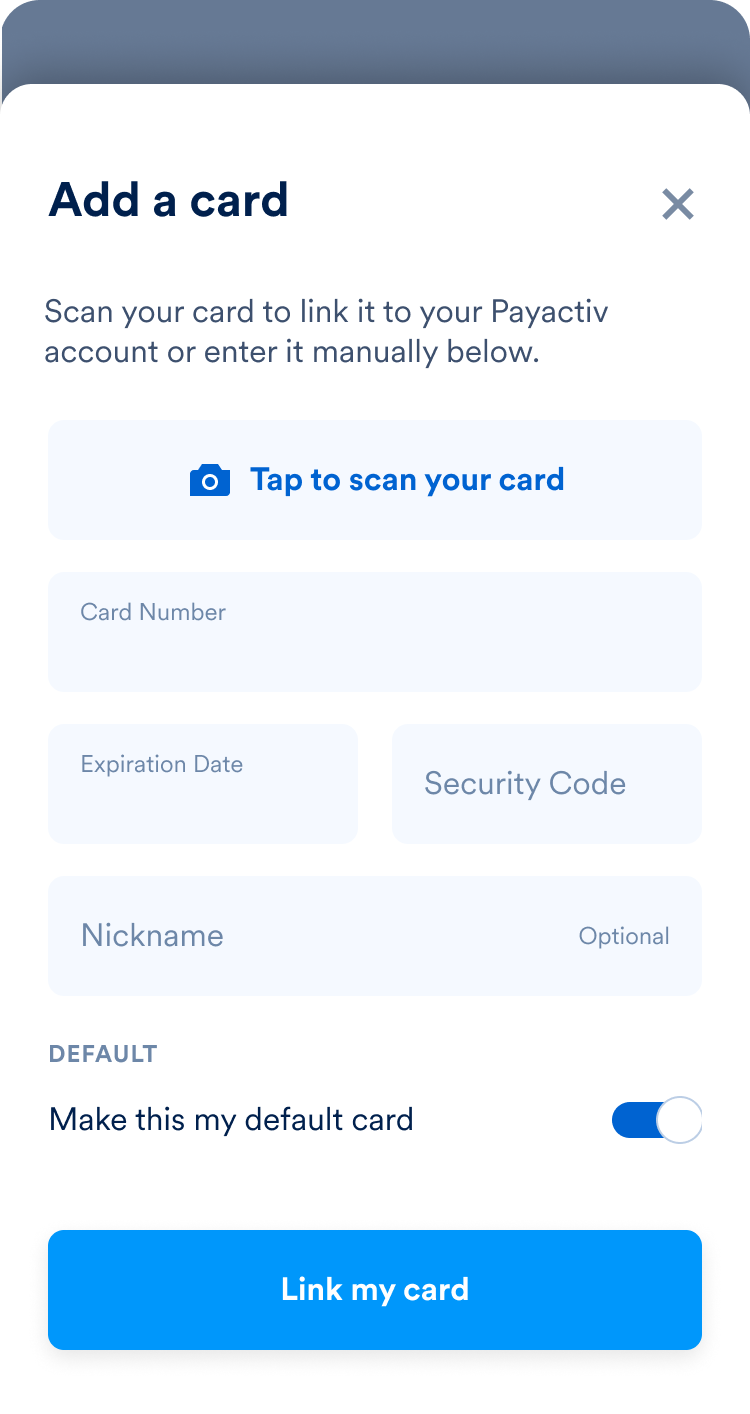
Add your card information, and follow the prompts.
That’s it! Your debit card should now be linked to your Payactiv account.
How do I change my personal information?, (Pay rate, email, phone number)
You can update the following personal information within your Payactiv account:
• Phone number •Email •Pay rate for Earned Wage Access users
To change any of the above information, email our customer service team your latest pay-stub at [email protected]